Case study 01 — 3PL operations platform
Support Space
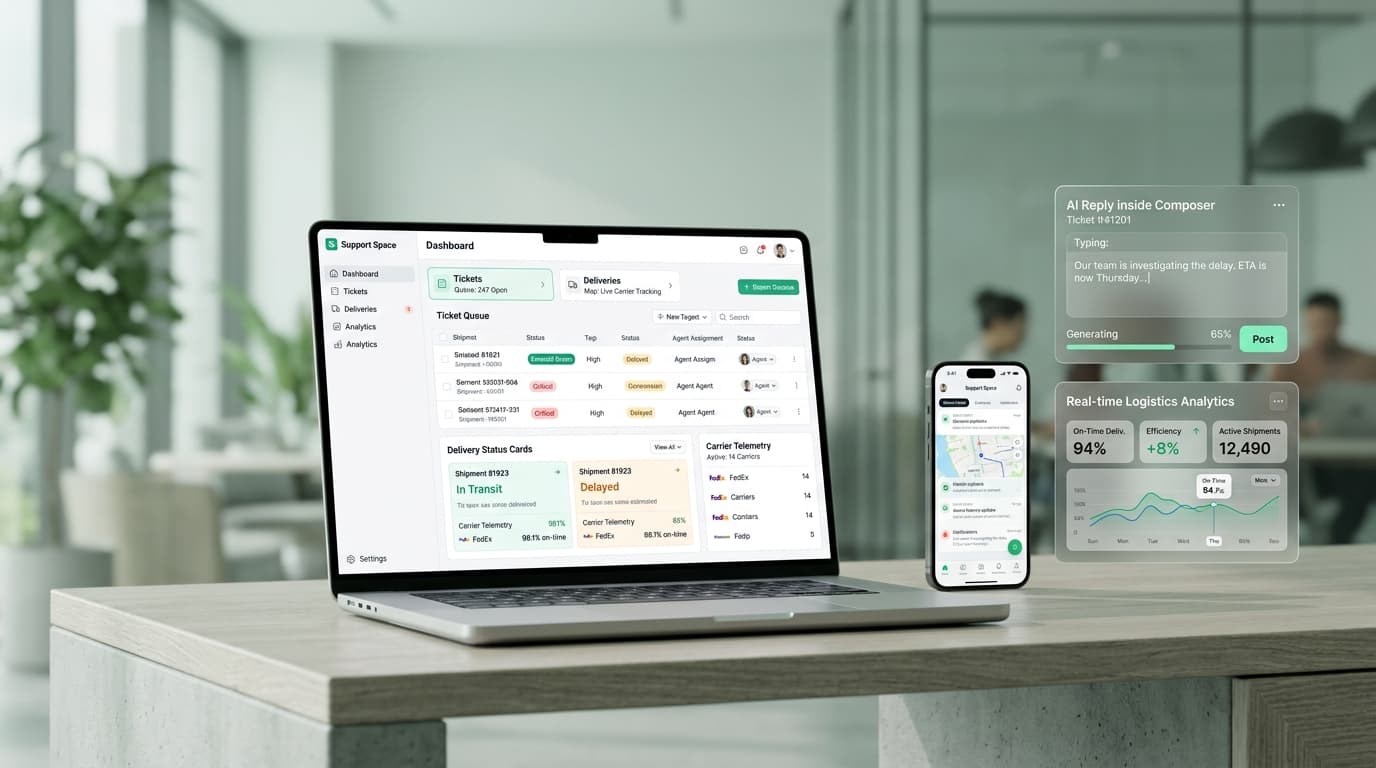
Fulfilment operations fail at the joins. Order context lives in one tool, the carrier conversation in another, the warehouse roster in a third, and the person answering a seller's question has to reassemble all three from memory. Support Space replaces that with one environment where context and ownership follow the work instead of being copied between tools.
- Next.js
- TypeScript
- Role-based access control
- ChannelDock
- Gmail
The problem
A 3PL runs service, fulfilment and workforce execution as three separate problems, and the tooling usually matches: a mailbox for carriers, a spreadsheet for staffing, a portal for sellers, and no shared record between them. Every handover loses context, every correction loses its author, and managers asking for numbers pull operators off operational screens to produce them.
What we built
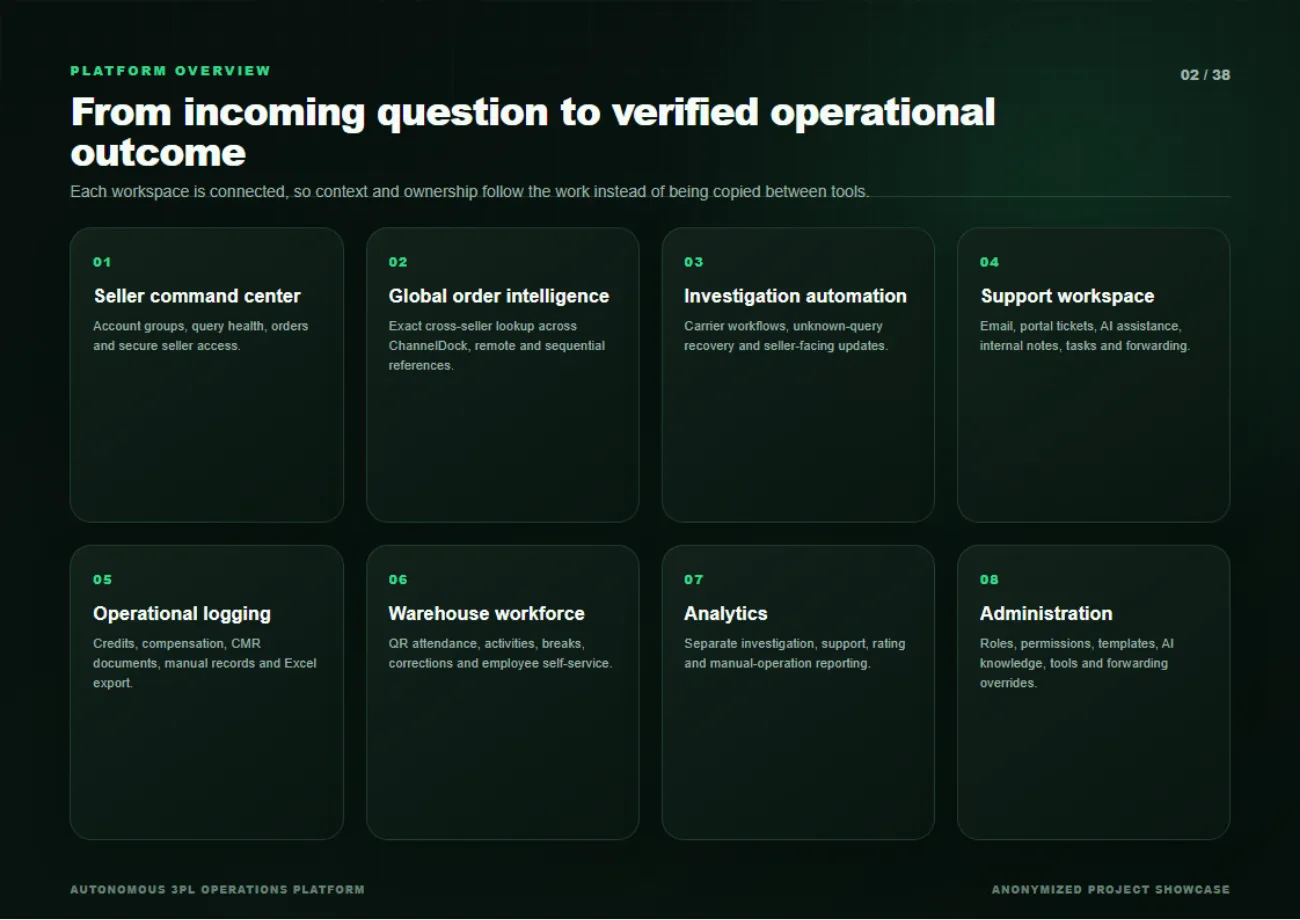
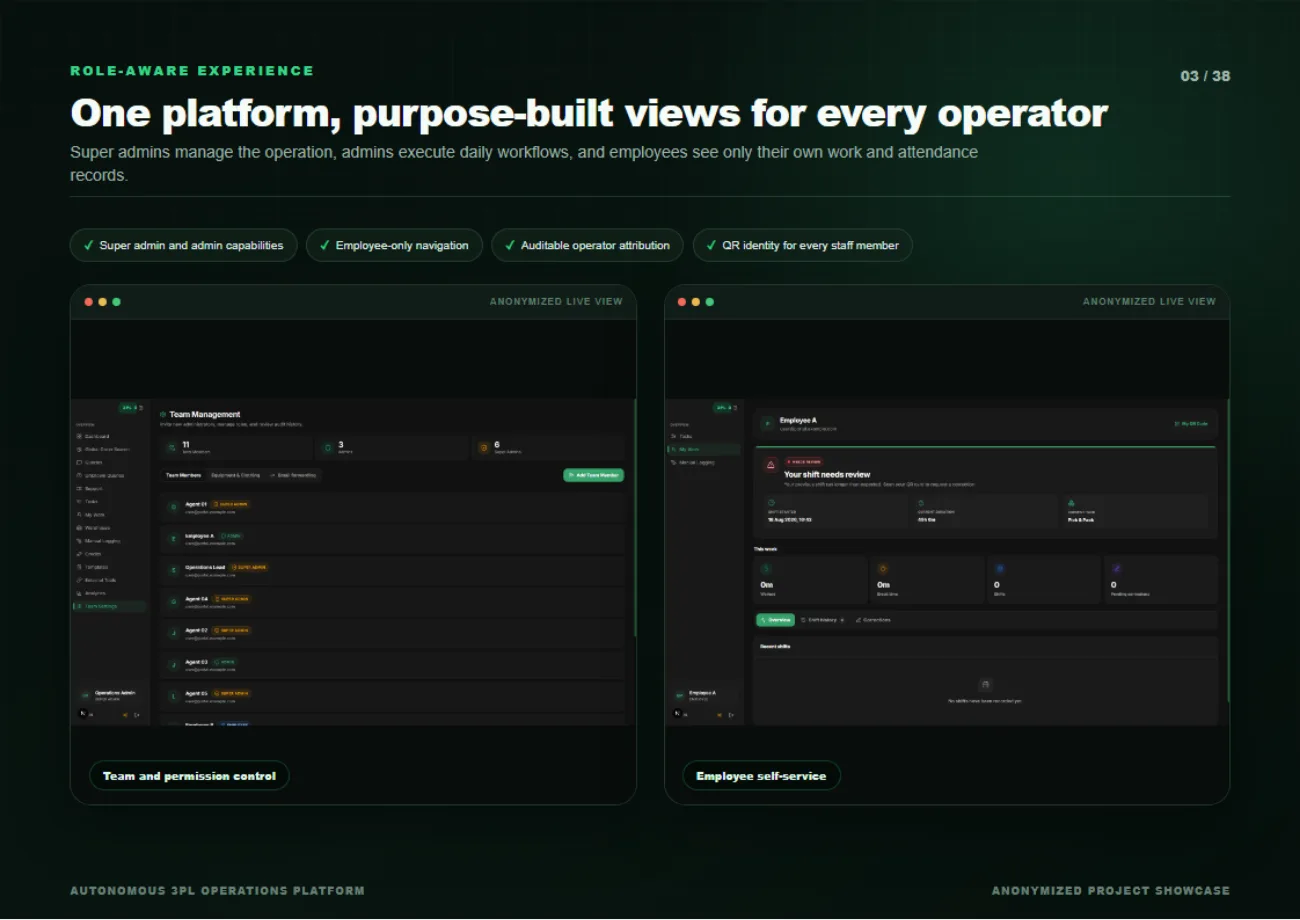
We built eight connected workspaces on one platform: a seller command centre, global order intelligence, investigation automation, a support workspace, operational logging, warehouse workforce, analytics and administration. Access is role-aware rather than uniform, super admins manage the operation, admins execute daily workflows, and employees see only their own work and attendance. Every consequential action retains its actor and its time.
How it works
Seller groups that keep their context open
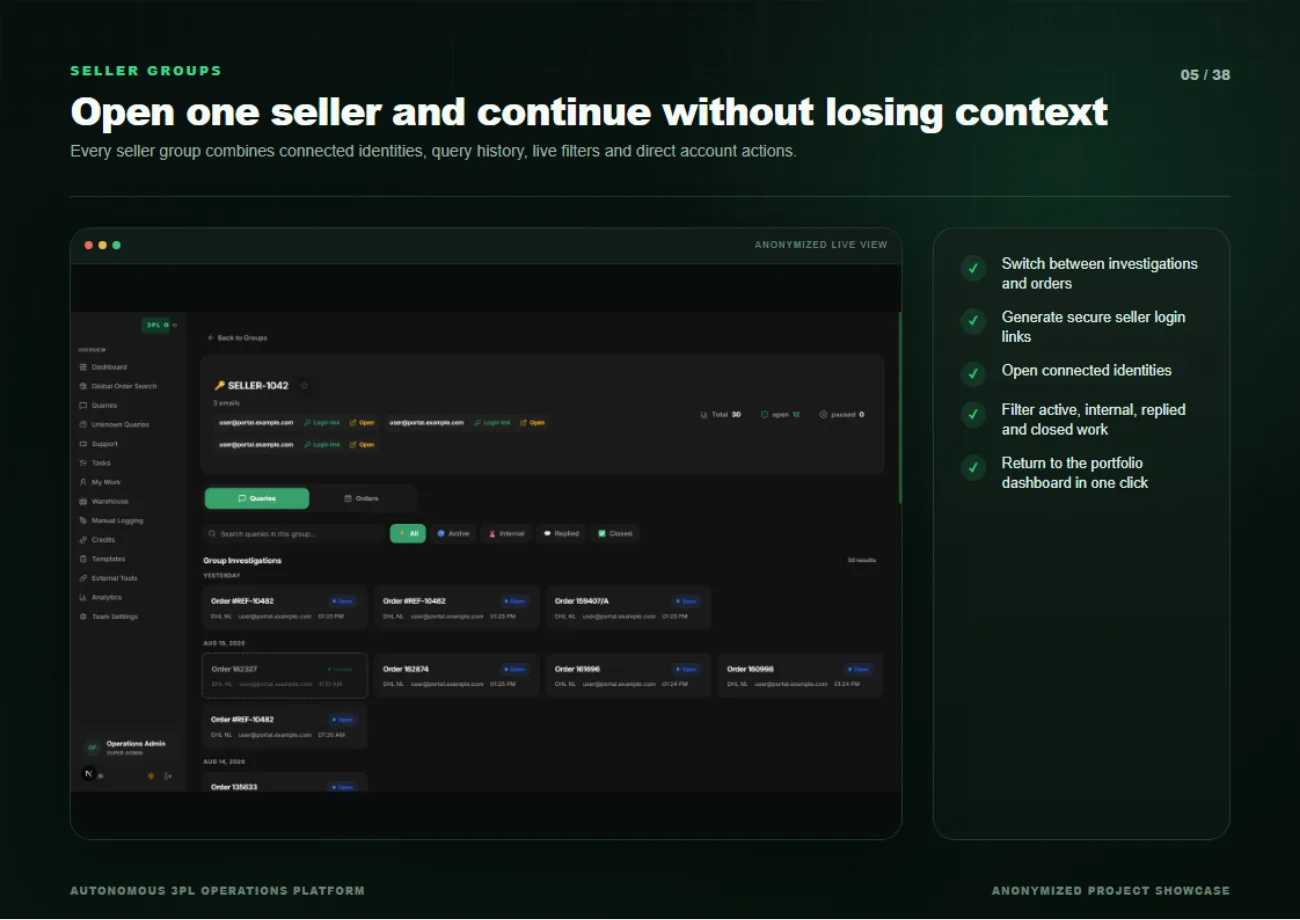
A seller group combines connected identities, query history, live filters and direct account actions in one place. An operator can switch between investigations and orders, generate a secure seller login link, filter active, internal, replied and closed work, and return to the portfolio dashboard in one click, without losing the thread they were on.
One queue for email and platform support
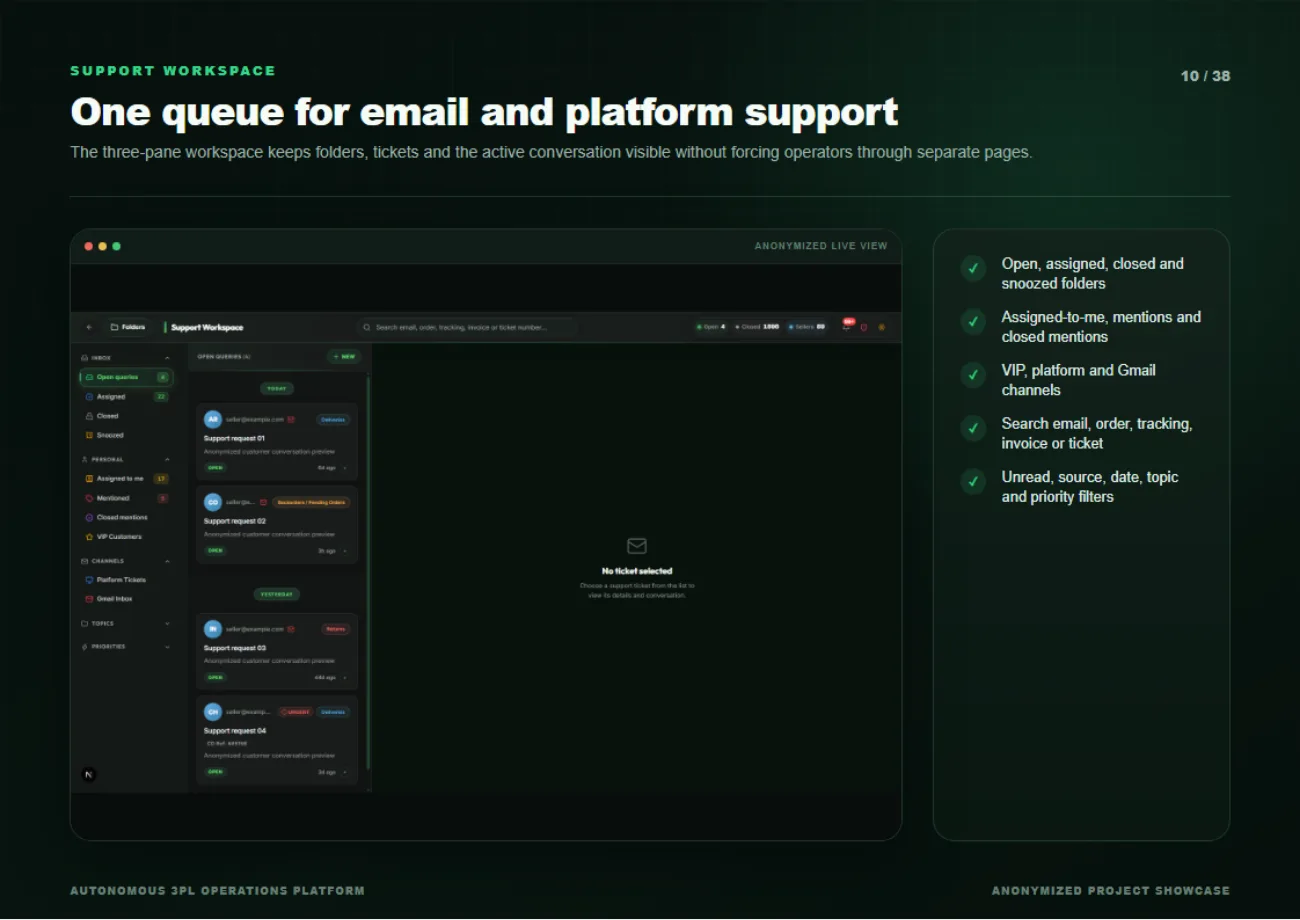
A three-pane workspace holds folders, tickets and the active conversation on screen together rather than forcing operators through separate pages. Open, assigned, closed and snoozed folders sit alongside assigned-to-me, mentions and VIP channels, and search covers email, order, tracking, invoice and ticket number in one field.
Investigation automation carried through to the carrier
Carrier workflows, unknown-query recovery and seller-facing updates run as automation rather than as copy-paste. The investigation keeps its evidence, its routing decision and its reply history in the same record the seller sees.
Consignment notes without returning to paper
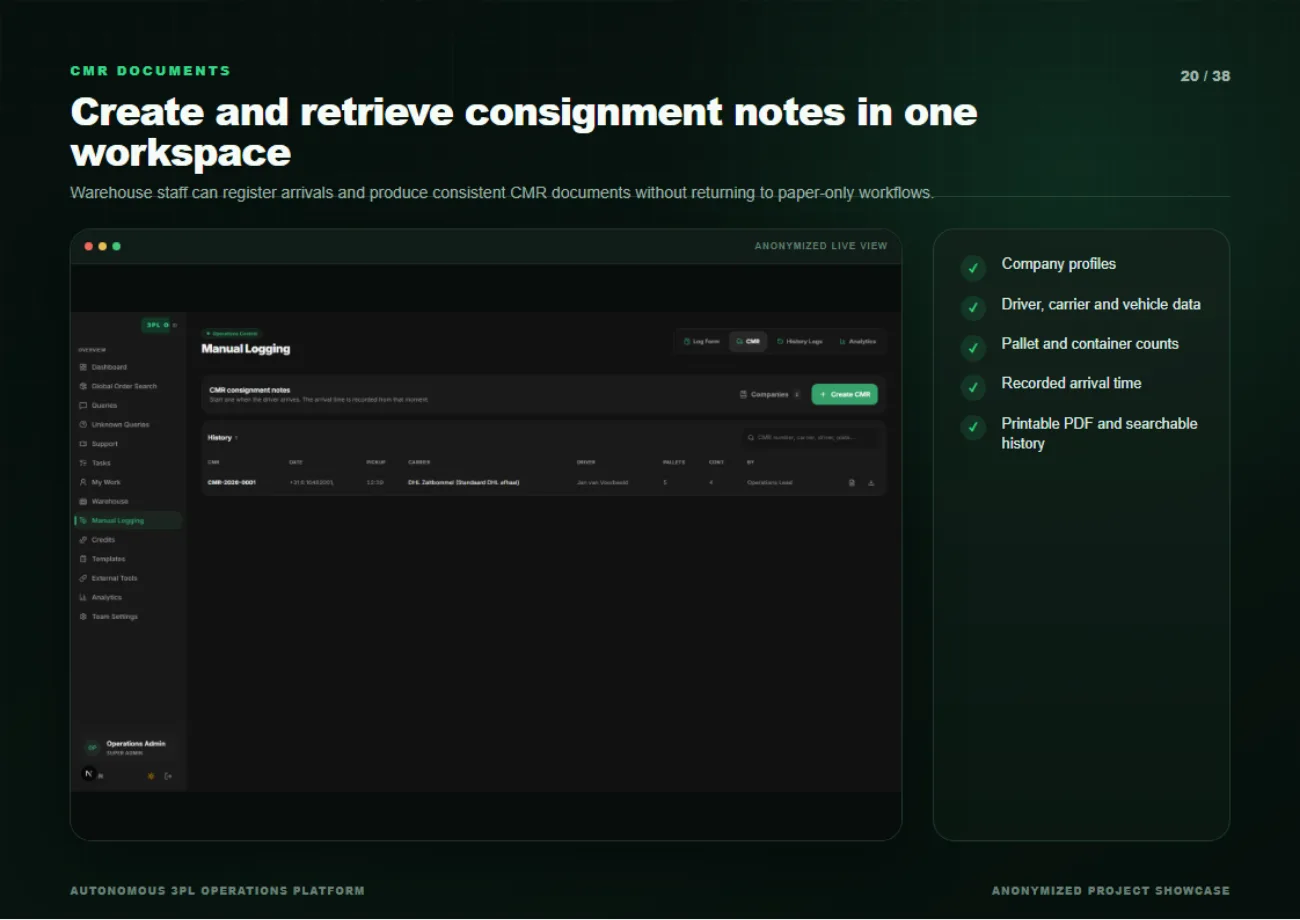
Warehouse staff register arrivals and produce CMR documents in the same workspace, company profiles, driver, carrier and vehicle data, pallet and container counts, and a recorded arrival time, output as a printable PDF with searchable history.
Attendance and work activity in one view
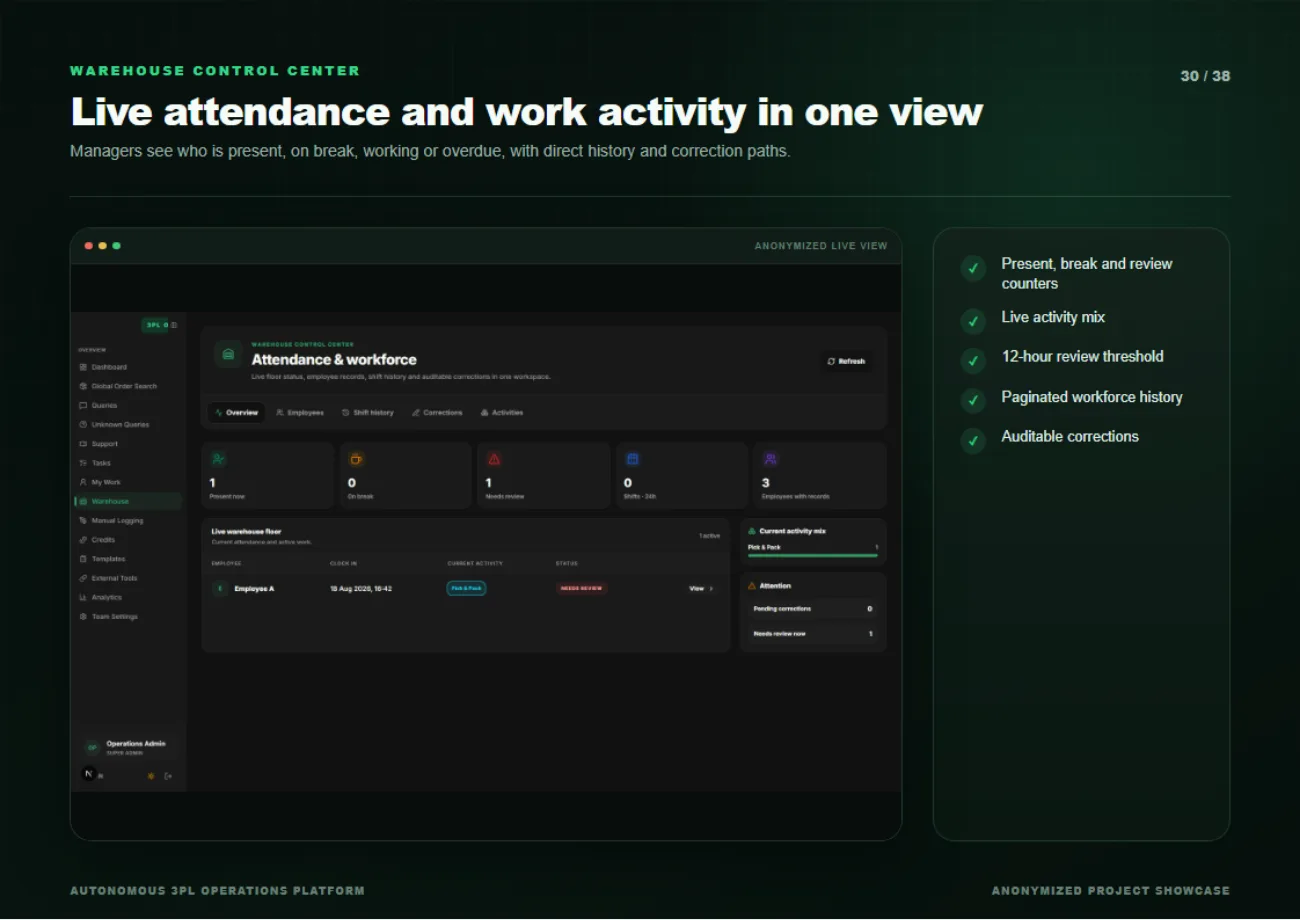
Managers see who is present, on break, working or overdue, with a live activity mix and a twelve-hour review threshold that flags shifts needing attention. Workforce history is paginated, and corrections are auditable rather than silent overwrites.
QR identity and employee self-service
Every staff member has a QR identity, and employees get their own navigation showing their tasks, shift history and corrections, so attendance data is maintained by the people it describes rather than re-keyed by an admin.
Analytics that do not slow the operational screens
Investigation, support, rating and manual-operation reporting run as separate analytics rather than as widgets bolted onto the working views. Managers get their numbers without operators losing screen space to them.
In the product
Outcome
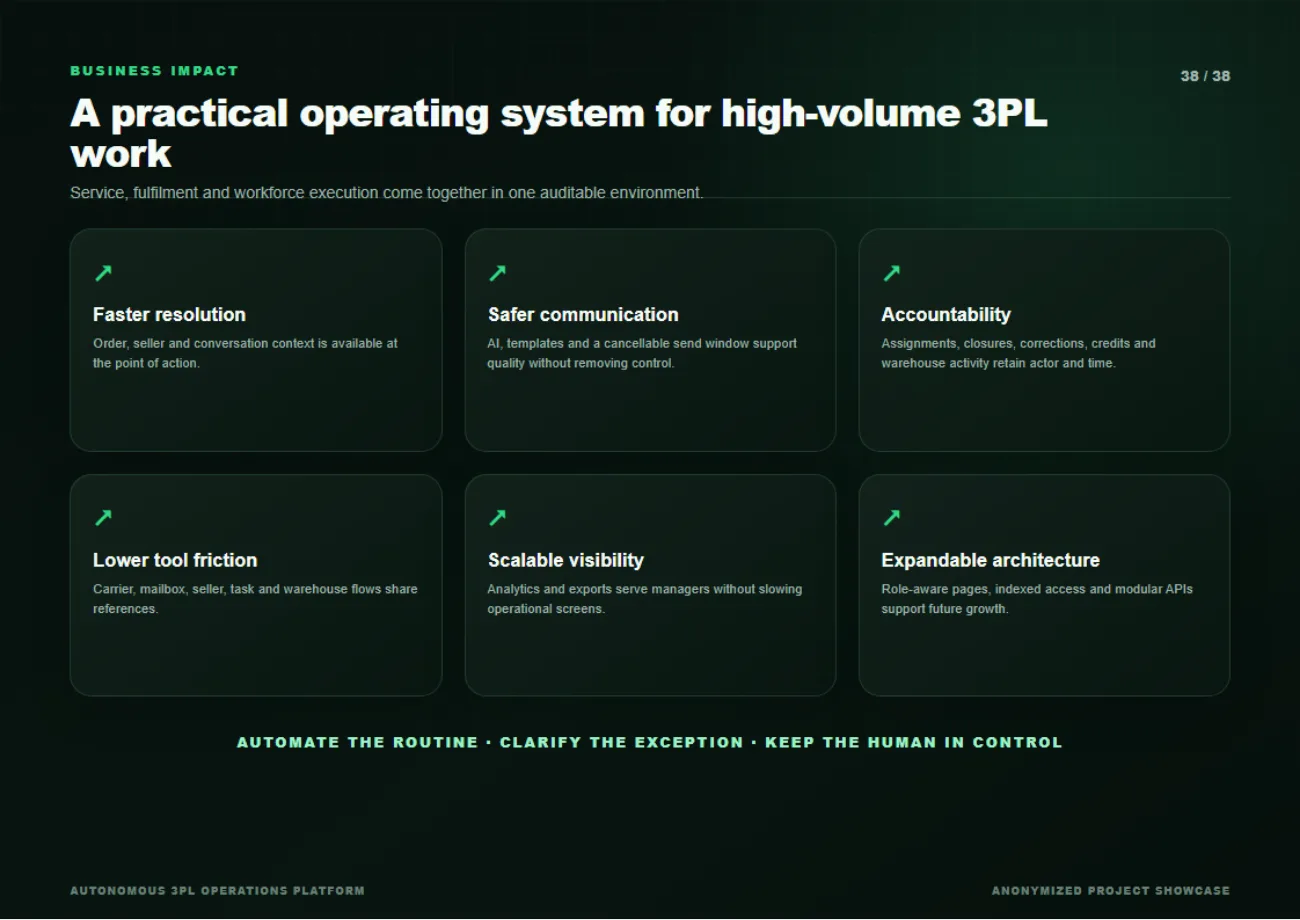
Service, fulfilment and workforce execution come together in one auditable environment. Order, seller and conversation context is available at the point of action; assignments, closures, corrections and credits retain who did them and when; and carrier, mailbox, seller, task and warehouse flows share references instead of duplicating them. The operating principle the deck closes on: automate the routine, clarify the exception, keep the human in control.