Case study 10 — Virtual try-on and fashion assets
Dressr
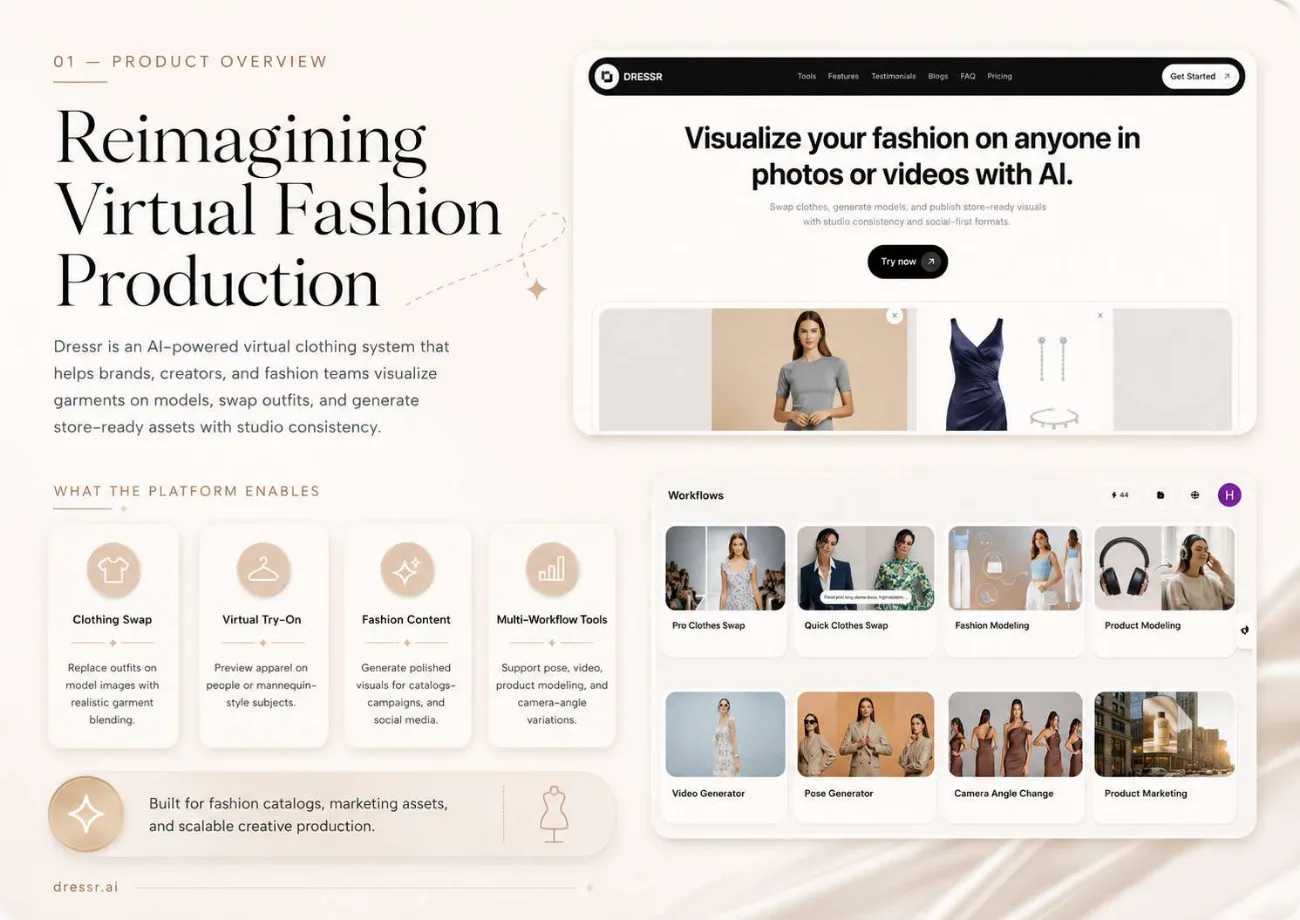
Fashion content is a volume problem disguised as a creative one. The same garment needs to appear on several models, in several poses, from several angles, for a catalogue, a product page and a social campaign, and it has to look like the same garment every time.
- AI image generation
- Video generation
- Production pipeline automation

The problem
Producing fashion visuals means a shoot, or manual styling and retouching per variation. Neither scales to a catalogue, and both drift, the garment that appears on the product page stops matching the one in the campaign.
What we built
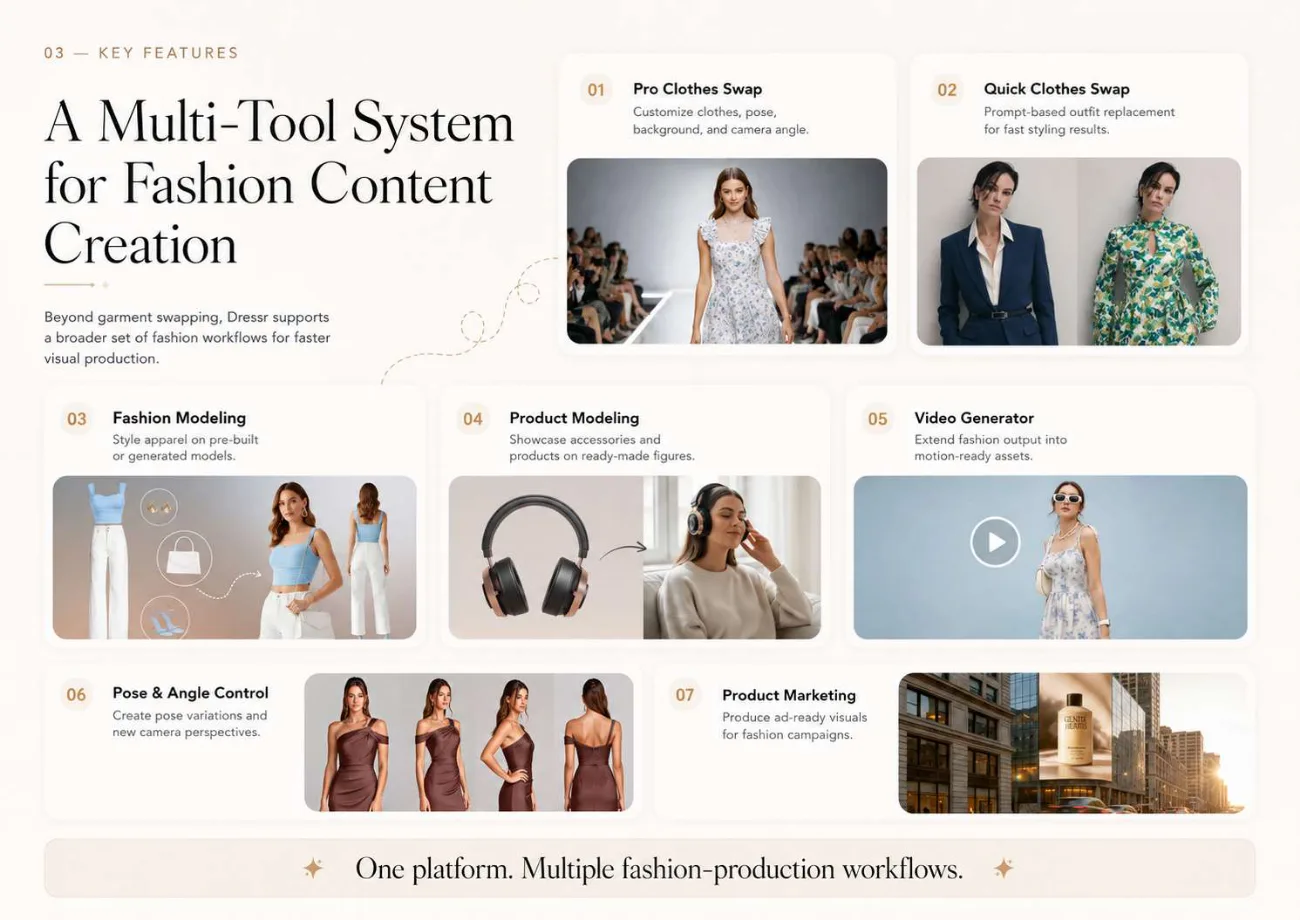
A workflow suite rather than a single generator: garment swapping in quick and pro tiers, model and product generation, video, pose and camera-angle variation, and marketing output. Consistency is enforced across the suite so outputs from different workflows still belong to the same catalogue.
How it works
Garment swapping with control over what moves
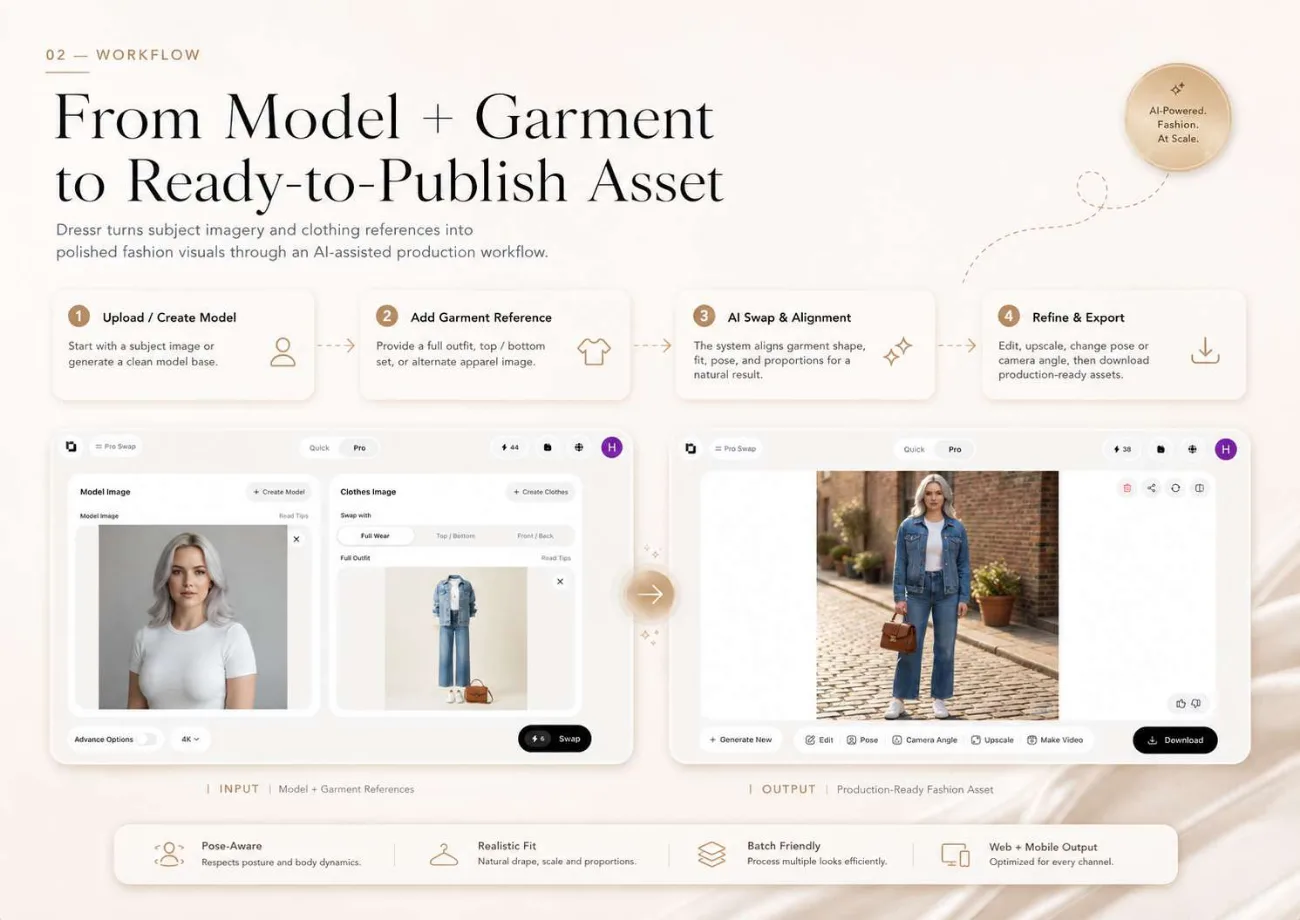
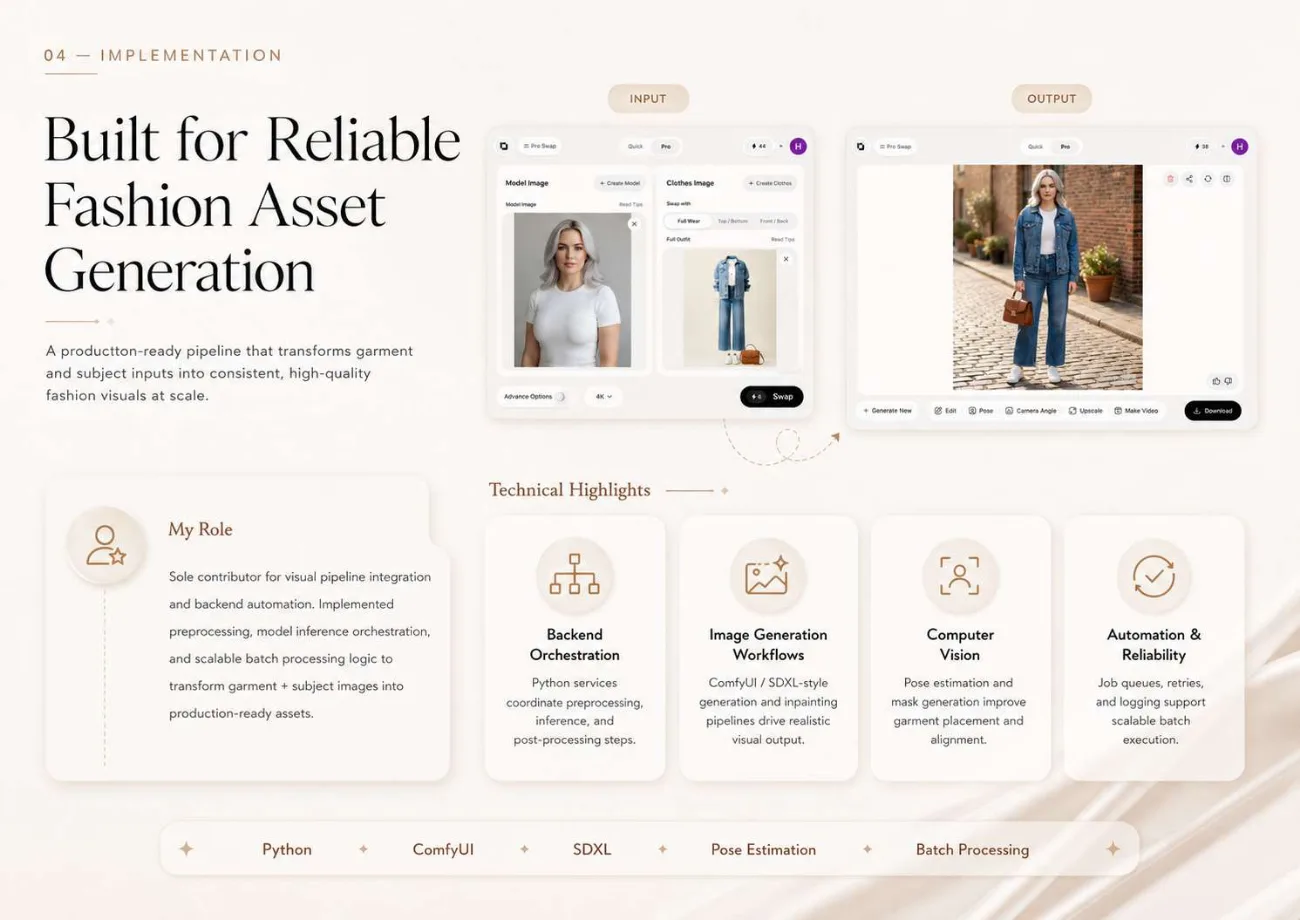
A model image and a garment image produce a swap, scoped to full wear, top-and-bottom or front-and-back, at quick or pro quality, up to 4K. The scope control is what makes it usable for a real catalogue rather than a demo.
Eight workflows around one asset
Pro and quick clothes swap, fashion modeling, product modeling, video generation, pose generation, camera angle change and product marketing, so one garment produces a full set of assets without leaving the system.
Post-generation variation without regenerating
A finished swap can be edited, re-posed, viewed from a different camera angle, upscaled or turned into video, so exploring a variation does not mean starting the pipeline again.
Consistency as a product requirement
Outputs stay coherent across garment and model variations, which is the difference between a set of images and a catalogue. Studio-quality, photoreal output is the target rather than stylisation.
Social-first formats alongside store-ready ones
The same asset is produced in the formats a product page needs and the formats a campaign needs, rather than being cropped into shape afterwards.
Built for batch
The pipeline handles batches dependably, which is what turns a per-image tool into something a merchandising team can plan around.
In the product
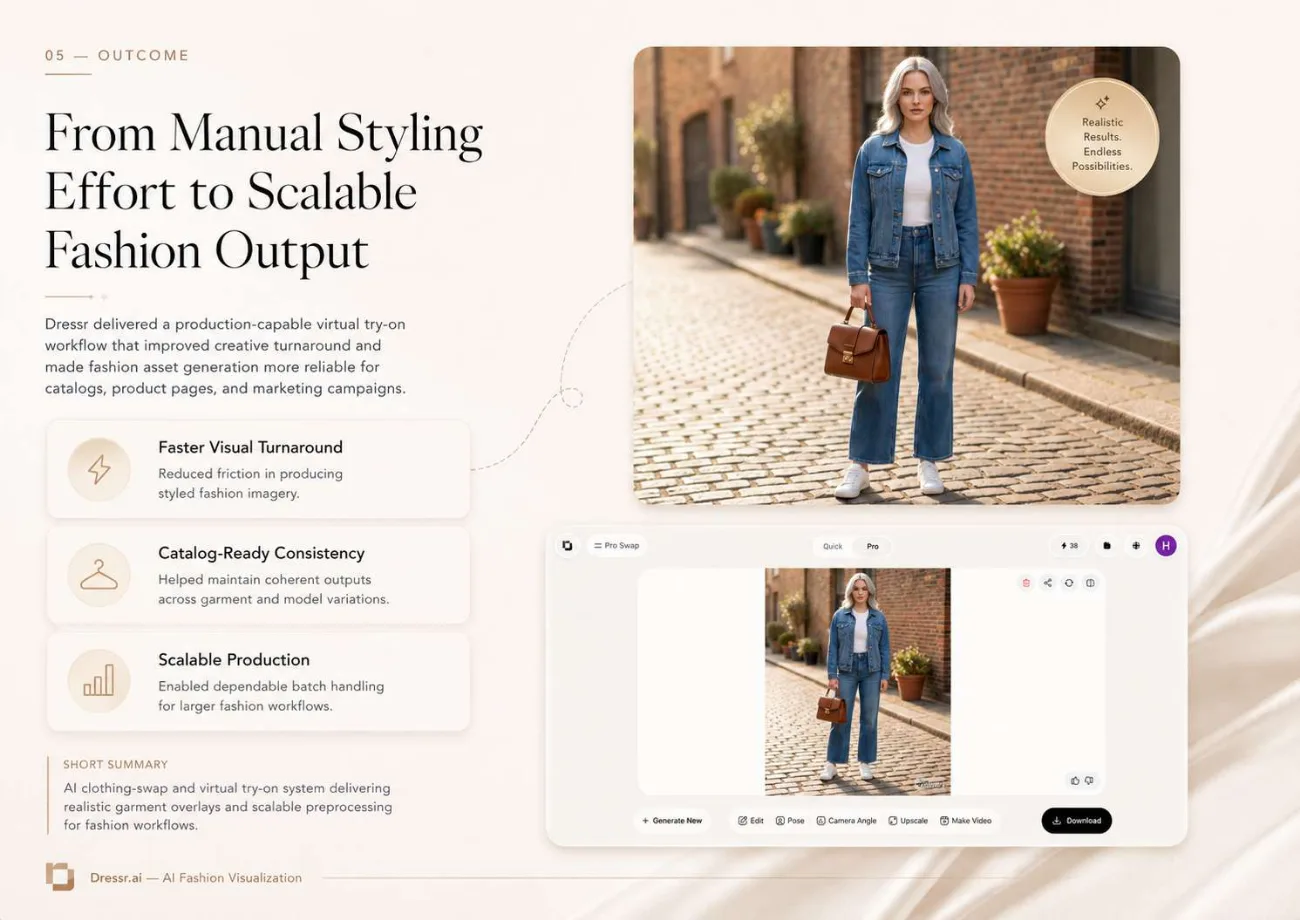
Outcome
A production-capable virtual try-on workflow that moved fashion asset generation from manual styling effort to scalable output, faster visual turnaround, catalogue-ready consistency across garment and model variations, and dependable batch handling.