A carrier claim is a small piece of work. A parcel went missing or arrived damaged, and the carrier needs the order, the tracking reference and the evidence before it will look. For the 3PL we built this for, the work itself was never the problem. The administration wrapped around it was.
This is how we turned that administration into one workflow, what we deliberately left to people, and what changed. The client reported about 90% less manual email handling afterwards.
Why does carrier claim handling take so much time?
Because the case is scattered before it starts. Investigations lived across a shared mailbox, a folder of screenshots and someone's memory. Each one meant finding the order, gathering the shipment photo and invoices, writing the email, sending it, then watching the mailbox and copying every reply back to the seller by hand.
Two things made it worse. Nothing reliably matched an incoming carrier reply to the case it belonged to, and sellers had no visibility, so every status question from a seller became another manual lookup.
What does an automated carrier claim workflow look like?
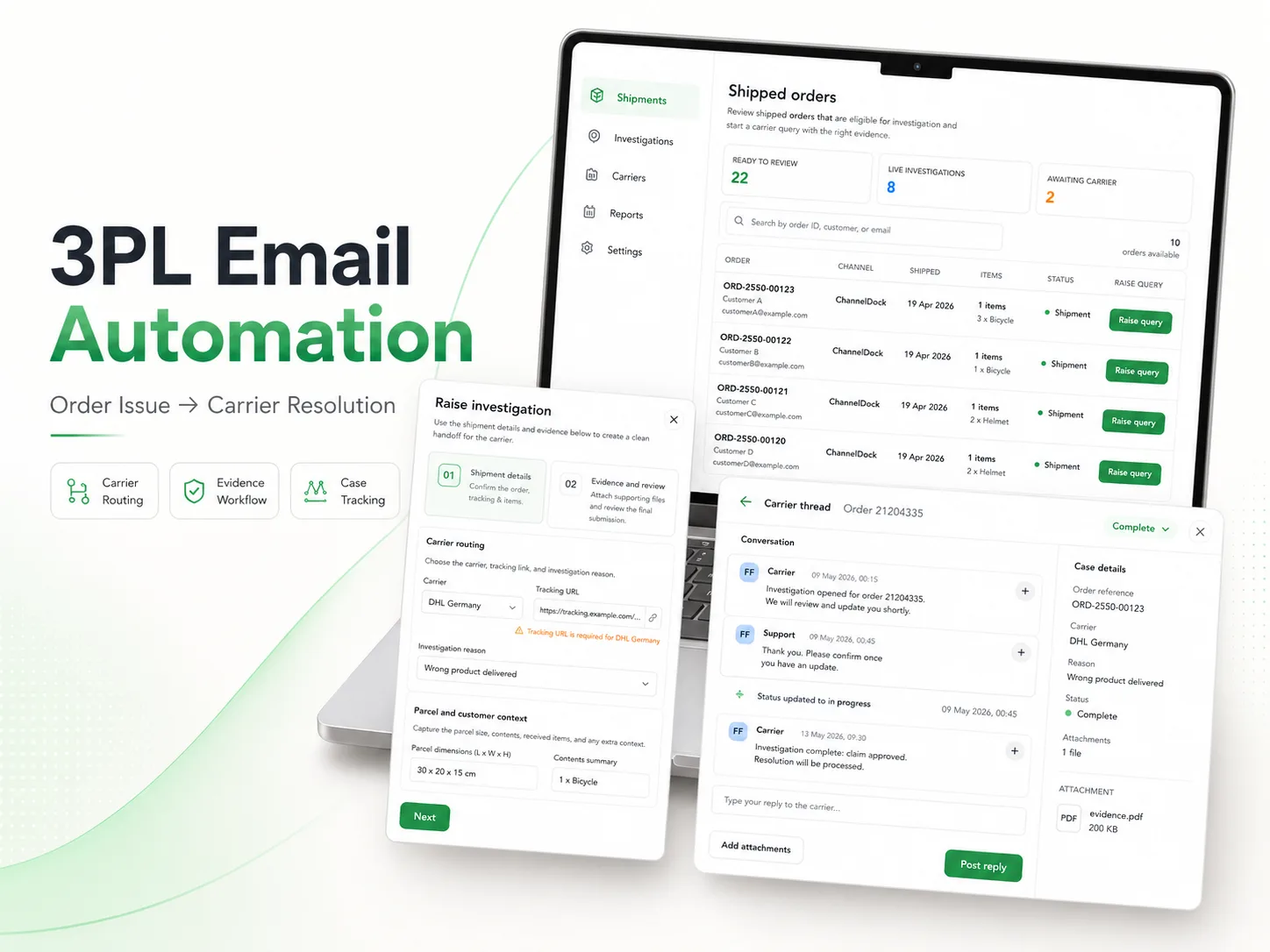
One queue of shipped orders, a two-step wizard that collects shipment details and evidence, an automatically generated carrier email, and a thread where the carrier's reply lands back against its case. The seller sees the same record the whole way through.
The queue counts what is ready to review, what is under investigation and what is awaiting the carrier. Orders are searchable by order ID, customer name or email, and a claim is raised straight from the order's row instead of from a separate form.
How do you stop carriers rejecting incomplete claims?
Validate at the point of entry, before anything is sent. Step one collects the carrier, tracking URL, reason, parcel dimensions, contents and order reference, and the tracking URL is checked against that carrier's rules, so a case cannot be raised with a reference the carrier will refuse.
Step two takes the shipment photo, the sales invoice and an optional purchase invoice, then shows a recap of the whole submission. The case is created complete, instead of being chased for attachments after the carrier asks for them.
Where does automation stop and judgement start?
The system automates the wrapper, not the decision. Composing in the portal produces the carrier email with the order ID, reason, tracking code and carrier filled in and the evidence attached, sent through the Gmail API, so there is no copy-paste step. Deciding which cases to raise and what to tell the seller stays with the operations team.
We did not add AI here for its own sake. The rules for a valid claim are known, so plain validation does the job more reliably than a model would. It is a pattern we see often: the biggest win in operations automation is structure, not intelligence.
What changed after it went live?
The client reported about 90% less manual email handling. Every investigation now carries its evidence, its routing and its full message history, and open, awaiting-carrier, resolved and needs-attention cases are counted across the whole book of work.
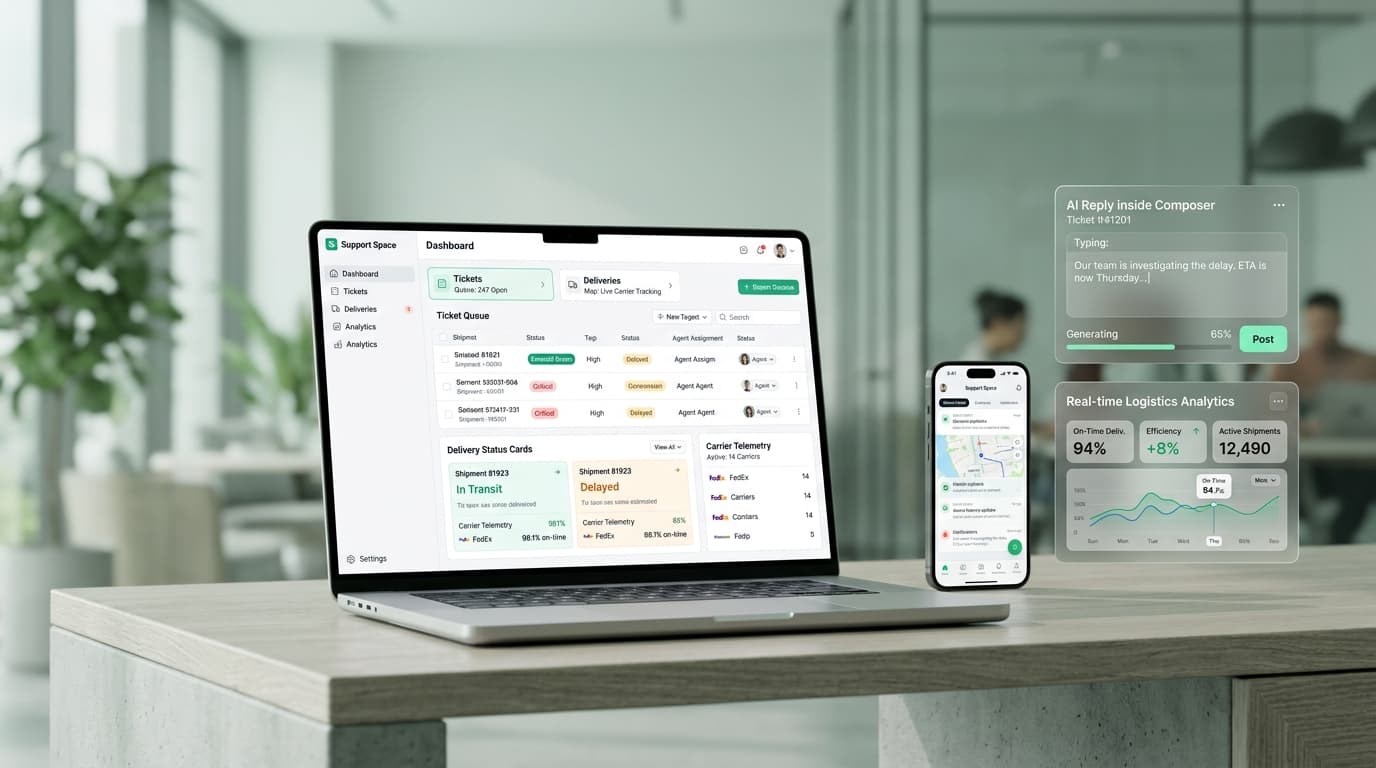
Two details mattered in daily use. The portal is multi-language, because the operations team runs it in Dutch, and the seller-facing side is clean enough to hand to the 3PL's own customers. The workflow now runs inside Support Space, the wider operating platform we built for the same client.